Your Collection
Your collection items will appear here.

Enthusiasts Emojis

Find Enthusiasts custom emojis to use
on Discord, Twitch & Slack

.png 76 Laptop_Gaming Emoji
.png 104 DIYCrafting Emoji
.png 6.8K Timsie Emoji
.png 1.8K americanmushroom Emoji
.gif 1.1K of Emoji
.png 629 FNFDCMHealthBarLAngry Emoji
.png 263 FNFDCMHealthBar Emoji
.png 138 FNFDCMTwo Emoji
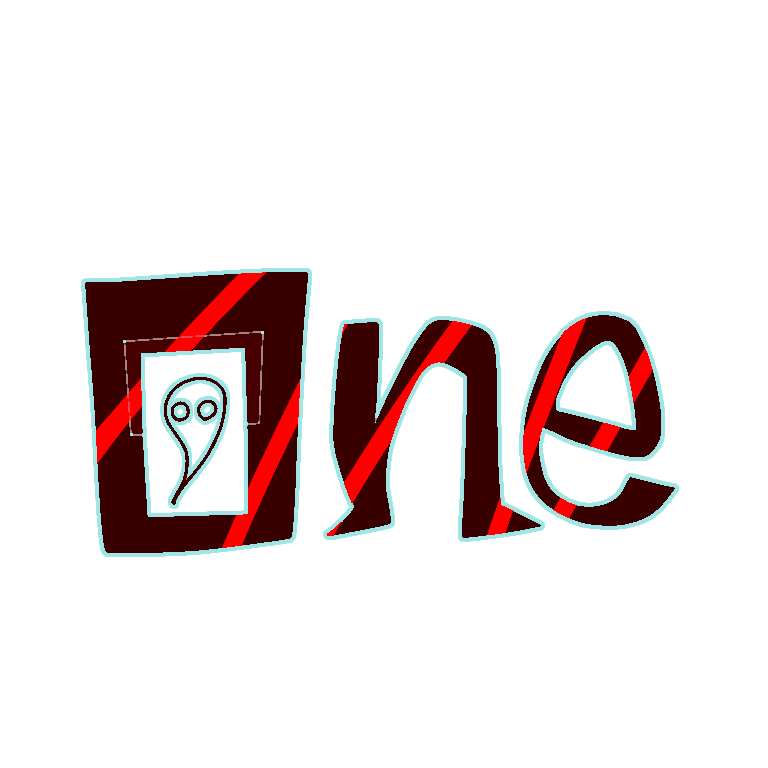
.png 143 FNFDCMOne Emoji
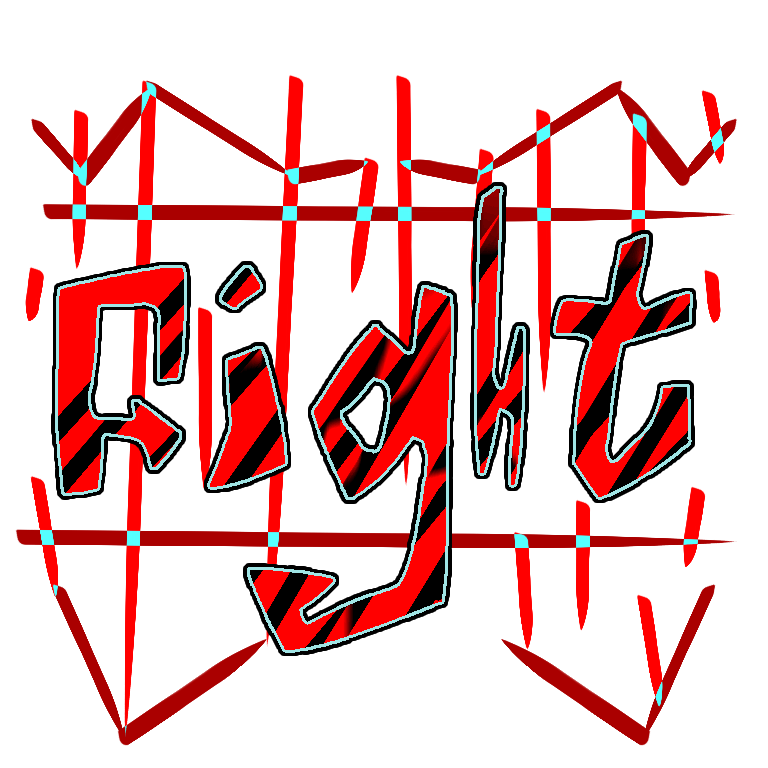
.png 217 FNFDCMFight Emoji
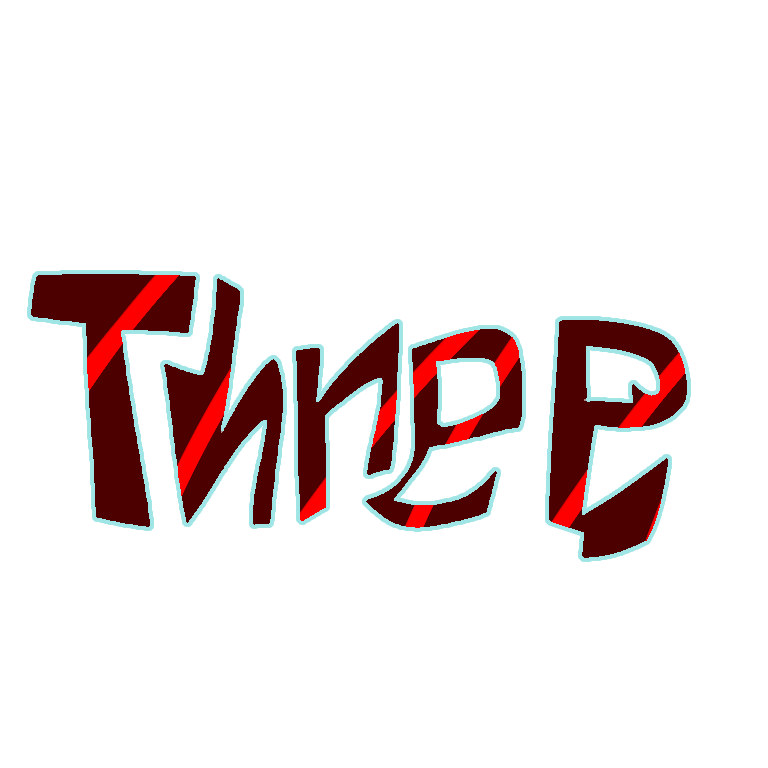
.png 188 FNFDCMThree Emoji
.png 7.7K onlyfans Emoji
.gif 2.9K IcicleYetiCookie Emoji
.png 23.7K bobaBun Emoji
.png 656 Richert Emoji
.gif 1 LegacyOfKain Emoji
.png 2.1K Fansly_logo Emoji
.png 1.8K Ruhollahgaming Emoji
.gif 10.6K HanHeldFan Emoji
.png 4.3K Pepe Emoji
.png 189.2K Win Emoji
.png 2.7K Jacket Emoji
.png 533 holocure Emoji
.png 50.3K Manchester_city Emoji
.png 1.4K Erik_smug_POTO Emoji

Enthusiasts Discord emojis

Browse Enthusiasts emojis shared by the emoji.gg community. Open a favourite to preview it, check its details and download the image.

Building a set for your server? Save your favourites to a collection as you browse so you can find them again.

Explore Enthusiasts stickers

Add emojis to your Discord server

  1. Choose your favourites. Open a emoji and download its image.
  2. Open Server Settings. In Discord, select your server and go to the Emoji section.
  3. Upload and name it. Select the downloaded image, give it a name and save it for your community to use.

Get the Android app

Emoji.gg is better on the app. Download it from the Google Play store.

Get Emoji.gg on Google Play