Your Collection
Your collection items will appear here.

Emomusic Emojis

Find Emomusic custom emojis to use
on Discord, Twitch & Slack

.png 352 AbsolutelyHorrified Emoji
.png 621 DurrDumbSmile Emoji
.png 0 Oohmydays Emoji
.gif 53 What_the_bean Emoji
.png 68 PurpleSparkles Emoji
.png 11 GreenAdBadge Emoji
.png 57 PinkShoppingCart Emoji
.png 37 WhiteAtSymbol Emoji
.png 27 sanaall Emoji
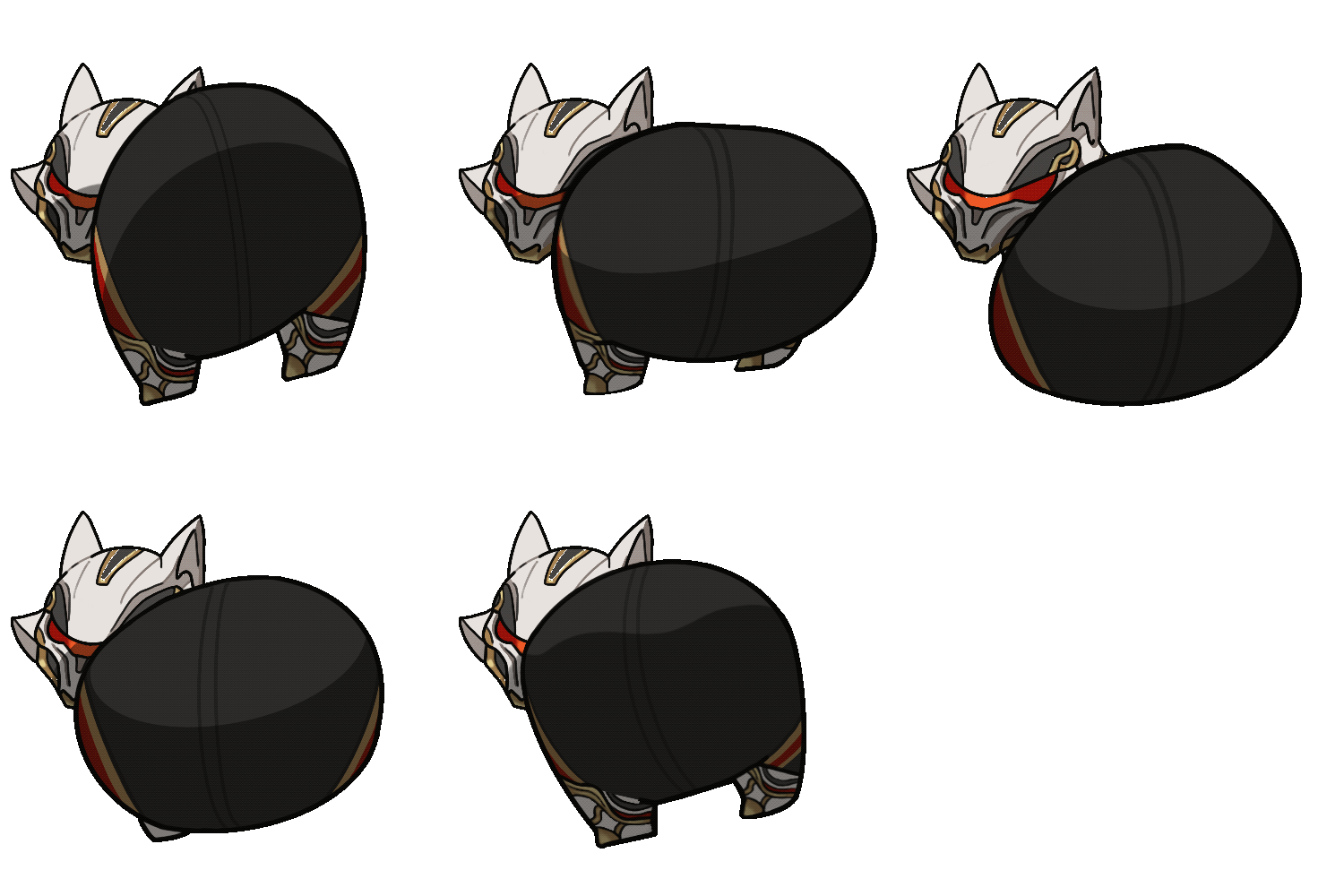
.gif 33 LobaTwerk Emoji
.gif 64 GibbyTwerk Emoji
.png 154 Envelope Emoji
.png 133 WhiteFolder Emoji
.png 11 sanaall Emoji
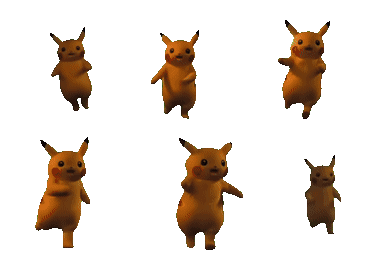
.gif 84 Pika_run Emoji
.png 16 PVP Emoji
.png 282 fev_Ticket Emoji
.png 223 fev_Booster Emoji
.png 216 fev_Channel Emoji
.png 87 fev_Refresh Emoji
.png 450 fev_Bot Emoji
.png 385 fev_Crown Emoji
.png 83 fev_Upload Emoji
.png 158 fev_Download Emoji
.png 227 fev_Star Emoji

Emomusic Discord emojis

Browse Emomusic emojis shared by the emoji.gg community. Open a favourite to preview it, check its details and download the image.

Building a set for your server? Save your favourites to a collection as you browse so you can find them again.

Explore Emomusic stickers

Add emojis to your Discord server

  1. Choose your favourites. Open a emoji and download its image.
  2. Open Server Settings. In Discord, select your server and go to the Emoji section.
  3. Upload and name it. Select the downloaded image, give it a name and save it for your community to use.

Get the Android app

Emoji.gg is better on the app. Download it from the Google Play store.

Get Emoji.gg on Google Play