Your Collection
Your collection items will appear here.

Cushion Emojis

Find Cushion custom emojis to use
on Discord, Twitch & Slack

.png 141 cinderellaslipper Emoji
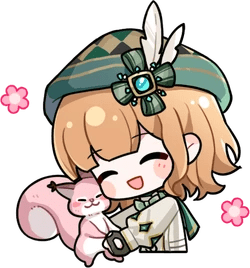
.png 4.0K NikkiCushionSquirrel Emoji
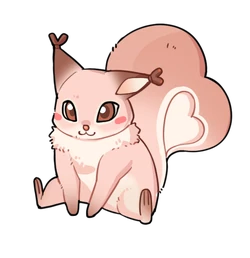
.png 1.0K CushionSquirrelSit Emoji
.png 9 LightRedLock Emoji
.png 0 PastelPeachLock Emoji
.png 61 SkyBlueLock Emoji
.png 153 fev_Locked Emoji
.png 70 fev_Unlock Emoji
.gif 161 pinkbowteddybear Emoji
.gif 179 royalteddybear Emoji
.gif 88 upsidedownteddy Emoji
.gif 54 gloomybearbox Emoji
.png 0 kayak Emoji
.png 33 padlock Emoji
.gif 56 labubuplush Emoji
.gif 68 Emotions_Pillow Emoji
.gif 179 teddybearblink Emoji
.gif 78 gothsylvanianmousediva Emoji
.gif 8 pastelsparklebears Emoji
.gif 1.1K pinknappingangelbear Emoji
.gif 301 whiteplushbunnyblink Emoji
.gif 17 pixelarteeyoreflowers Emoji
.gif 227 whiteplushpolarbear Emoji
.gif 134 patchworkplushbear Emoji
.gif 605 fishingbear Emoji

Cushion Discord emojis

Browse Cushion emojis shared by the emoji.gg community. Open a favourite to preview it, check its details and download the image.

Building a set for your server? Save your favourites to a collection as you browse so you can find them again.

Explore Cushion stickers

Add emojis to your Discord server

  1. Choose your favourites. Open a emoji and download its image.
  2. Open Server Settings. In Discord, select your server and go to the Emoji section.
  3. Upload and name it. Select the downloaded image, give it a name and save it for your community to use.

Get the Android app

Emoji.gg is better on the app. Download it from the Google Play store.

Get Emoji.gg on Google Play