Your Collection
Your collection items will appear here.

Concluded Emojis

Find Concluded custom emojis to use
on Discord, Twitch & Slack

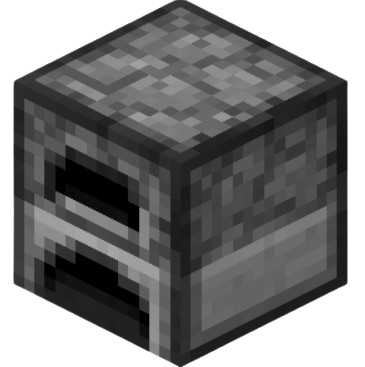
.png 13.0K Furnace Emoji
.gif 7.2K BunnyGirlHeadbutt Emoji
.gif 4.9K BunnyGirlLeave Emoji
.png 18.1K Exploding_Head_Shark Emoji
.png 2.9K the_wrong_face Emoji
.png 2.2K countmeout_red Emoji
.png 1.1K Princess_hat Emoji
.gif 30.0K magicstarwand_purple Emoji
.png 1.6K Vaggie_Worried Emoji
.png 773 EmideeExit Emoji
.png 11.2K starhorseface Emoji
.png 81.9K peepo_mean Emoji
.png 5.0K MyMelody_Bed Emoji
.png 1.4K bungender_flag Emoji
.png 39.0K YouTube_Heart Emoji
.png 4.9K Nerd_Imp Emoji
.png 2.5K notfunny Emoji
.png 25.5K thuunk Emoji
.png 30.9K chinesecatstare Emoji
.png 4.8K LoremasterSmirk Emoji
.png 1.4K thecookiethatsmilesback Emoji
.png 8.4K Ruv Emoji
.png 4.3K The_hell Emoji
.png 9.3K LowQuality Emoji
.png 23.8K ElRisitas Emoji

Concluded Discord emojis

Browse Concluded emojis shared by the emoji.gg community. Open a favourite to preview it, check its details and download the image.

Building a set for your server? Save your favourites to a collection as you browse so you can find them again.

Explore Concluded stickers

Add emojis to your Discord server

  1. Choose your favourites. Open a emoji and download its image.
  2. Open Server Settings. In Discord, select your server and go to the Emoji section.
  3. Upload and name it. Select the downloaded image, give it a name and save it for your community to use.

Get the Android app

Emoji.gg is better on the app. Download it from the Google Play store.

Get Emoji.gg on Google Play