Your Collection
Your collection items will appear here.

Billiards Emojis

Find Billiards custom emojis to use
on Discord, Twitch & Slack

.png 1.0K 69balls Emoji
.png 13 lifeguard Emoji
.png 0 swimmingpool Emoji
.png 0 Pool Emoji
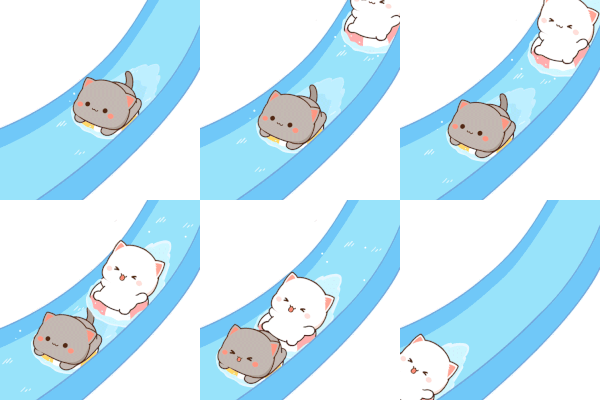
.gif 5.3K PeachGomaSlide Emoji
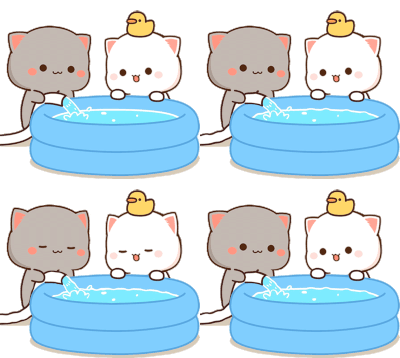
.gif 910 PeachGomaPool Emoji
.gif 3.0K DuckySwim Emoji
.gif 3.9K Pool Emoji
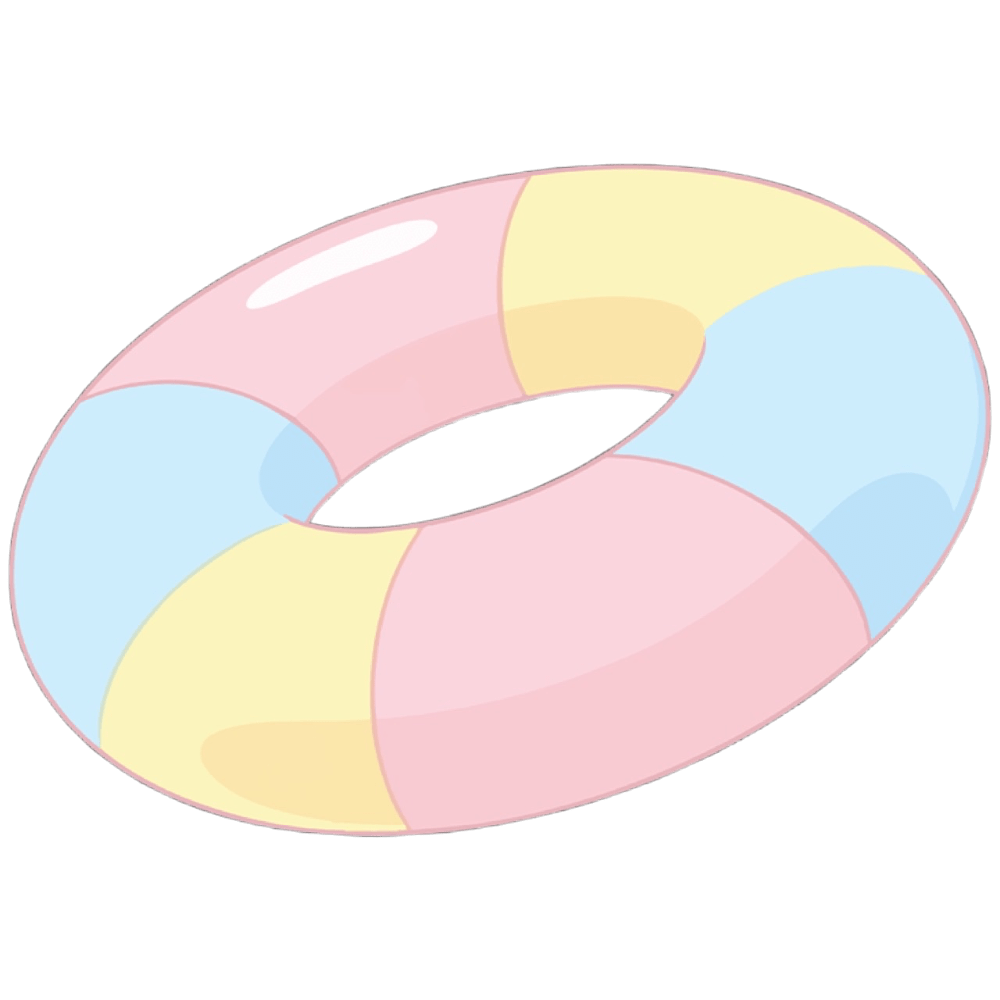
.png 2.7K PoolFloaty Emoji
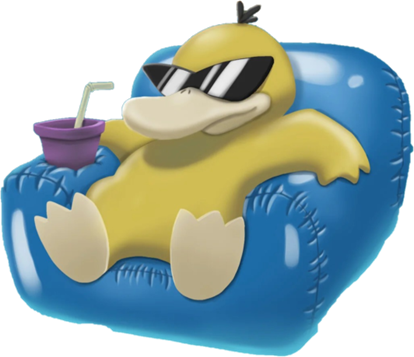
.png 19.1K Psyduck_Chill Emoji
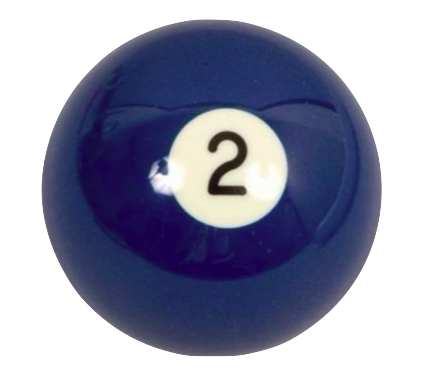
.png 4.2K bluepoolball Emoji
.gif 501 roughontheropes Emoji
.png 1 PB Emoji
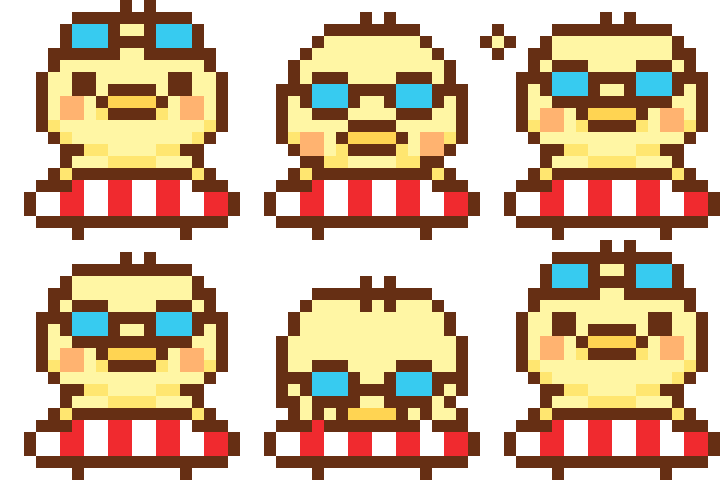
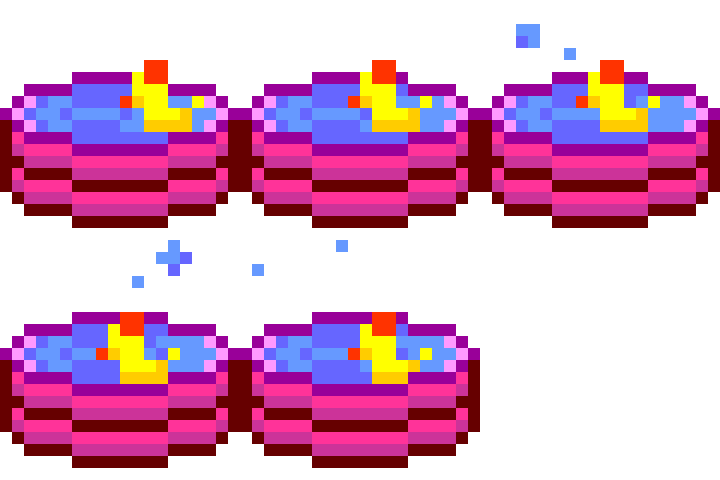
.gif 6.5K PixelSwimmingPool Emoji
.png 14.0K Magic8Ball Emoji
.gif 17.4K CryMeARiver Emoji
.png 2 Grinmint Emoji
.png 11.5K ball Emoji
.png 969 oh_no Emoji
.png 1.5K Pool_69_fireballs Emoji
.png 2.1K Pool_Guy Emoji
.png 5.1K awkward Emoji
.gif 26.0K CinnamorollDonut Emoji
.gif 958 poolparty Emoji
.png 17.1K meowth Emoji

Billiards Discord emojis

Browse Billiards emojis shared by the emoji.gg community. Open a favourite to preview it, check its details and download the image.

Building a set for your server? Save your favourites to a collection as you browse so you can find them again.

Explore Billiards stickers

Add emojis to your Discord server

  1. Choose your favourites. Open a emoji and download its image.
  2. Open Server Settings. In Discord, select your server and go to the Emoji section.
  3. Upload and name it. Select the downloaded image, give it a name and save it for your community to use.

Get the Android app

Emoji.gg is better on the app. Download it from the Google Play store.

Get Emoji.gg on Google Play