Your Collection
Your collection items will appear here.

Backandforth Emojis

Find Backandforth custom emojis to use
on Discord, Twitch & Slack

.gif 41.4K Catgirl Emoji
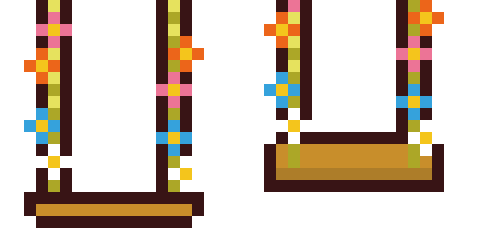
.png 285 swing_1 Emoji
.gif 6.1K piglet_swing Emoji
.png 1.2K taskete Emoji
.png 3.0K Hamster Emoji
.gif 14.7K BunnyCrazy Emoji
.gif 29.9K SweetBunnyHello Emoji
.png 77.0K Zoro_Happy Emoji
.png 600 Dark_swinging_door Emoji
.png 1.5K Opened_Swinging_Dark_Door Emoji
.png 326 Door_lock Emoji
.gif 16.9K pixel_toro_swing Emoji
.gif 16.6K ElectroSwing Emoji
.gif 9.1K hangingplant Emoji
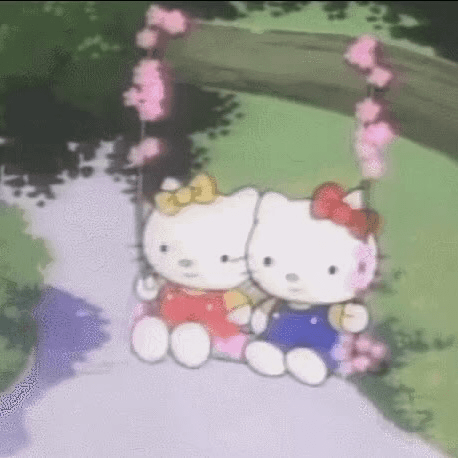
.png 4.1K hellokittycoupleswing Emoji
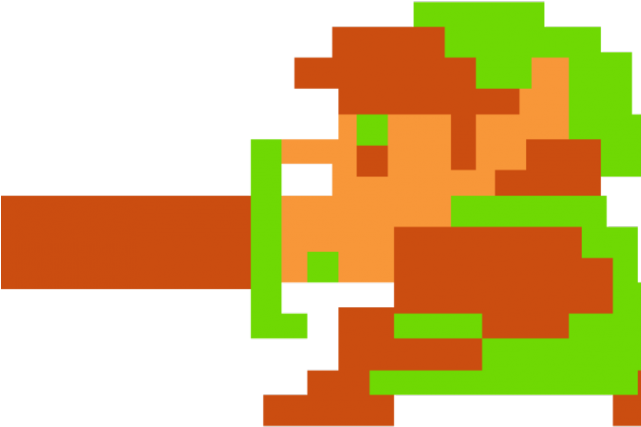
.png 354 Link_sword Emoji
.gif 11.2K pepefeetswing Emoji
.gif 270.2K freaky_lick Emoji
.gif 1.0K GardenSwing Emoji
.png 6.1K PeachandGomaSwing Emoji
.gif 13.8K PeachLemmeAtEm Emoji
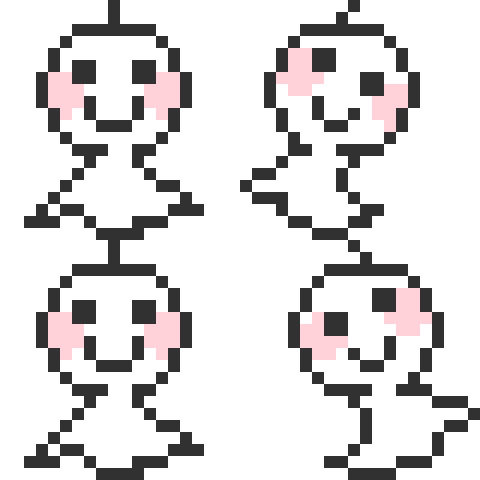
.gif 652 Ghost Emoji
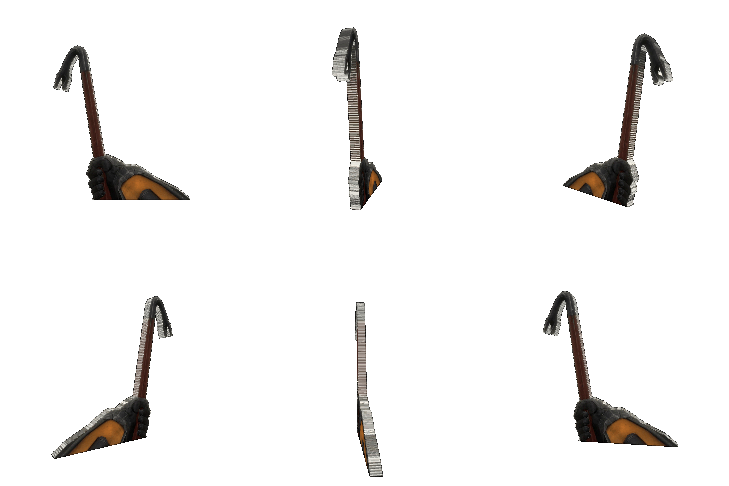
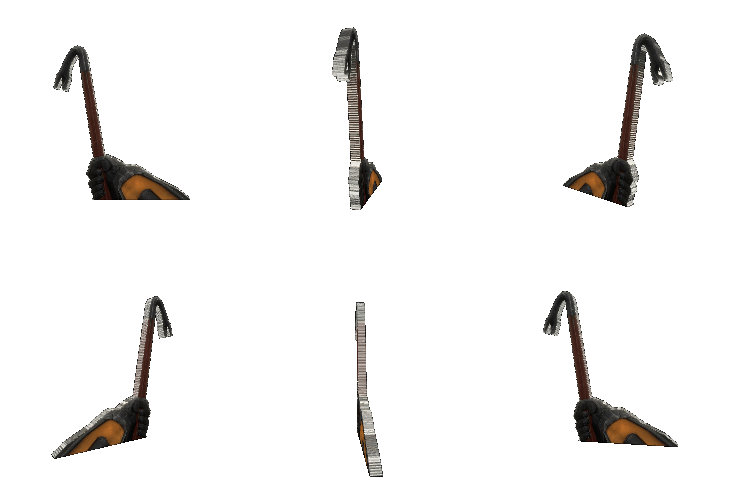
.gif 0 hlcrowbarswing Emoji
.png 0 swing Emoji

Backandforth Discord emojis

Browse Backandforth emojis shared by the emoji.gg community. Open a favourite to preview it, check its details and download the image.

Building a set for your server? Save your favourites to a collection as you browse so you can find them again.

Explore Backandforth stickers

Add emojis to your Discord server

  1. Choose your favourites. Open a emoji and download its image.
  2. Open Server Settings. In Discord, select your server and go to the Emoji section.
  3. Upload and name it. Select the downloaded image, give it a name and save it for your community to use.

Get the Android app

Emoji.gg is better on the app. Download it from the Google Play store.

Get Emoji.gg on Google Play