Your collections

Keep your favourite assets together

Axe Emojis

Find Axe custom emojis to use
on Discord, Twitch & Slack

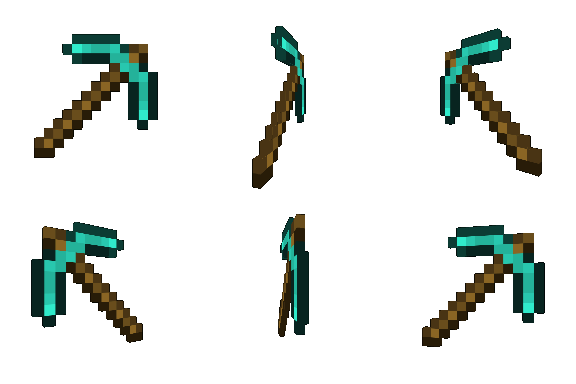
.gif 451 diamondpickaxe Emoji
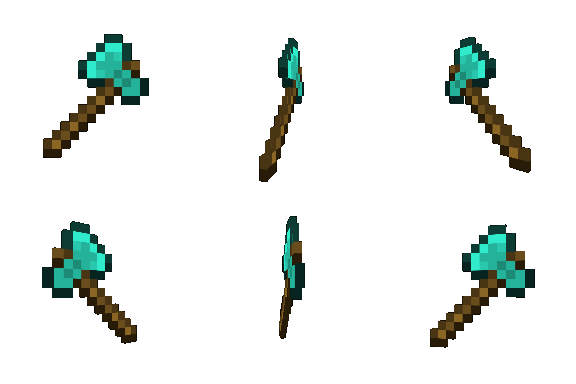
.gif 93 diamondaxe Emoji
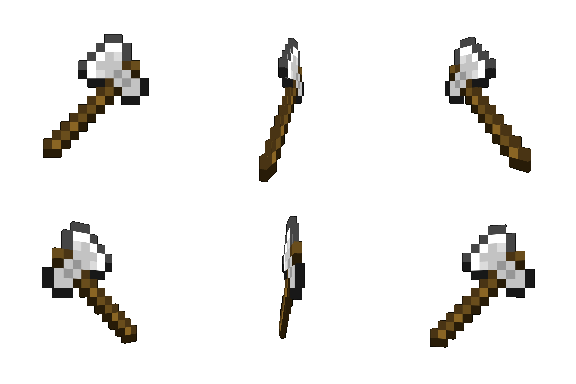
.gif 0 ironaxe Emoji
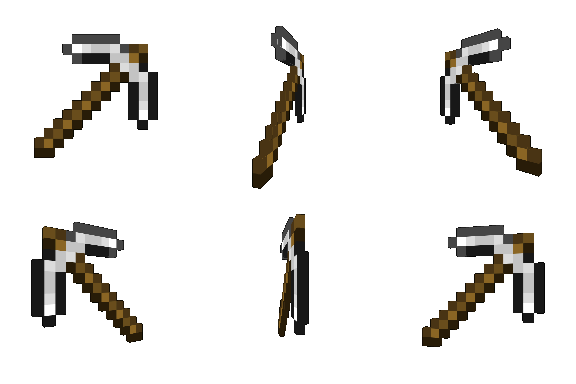
.gif 25 ironpickaxe Emoji
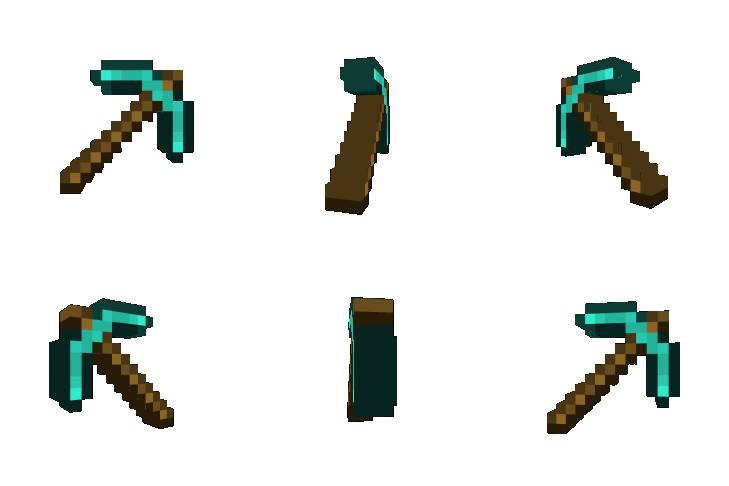
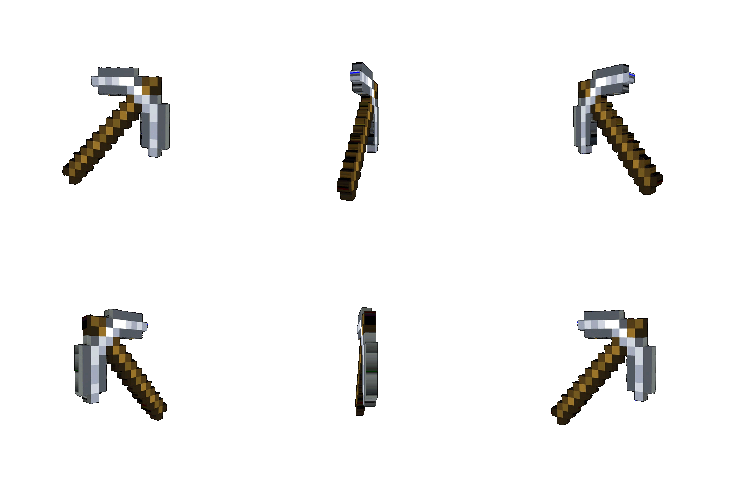
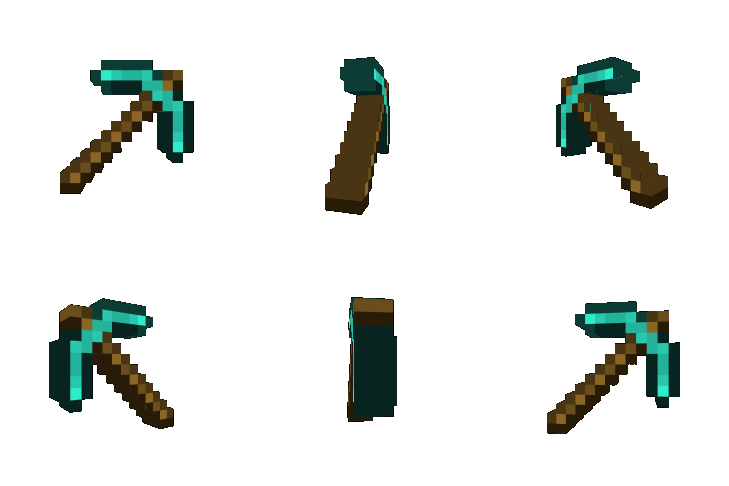
.gif 31 minecraftdiamondpickaxe Emoji
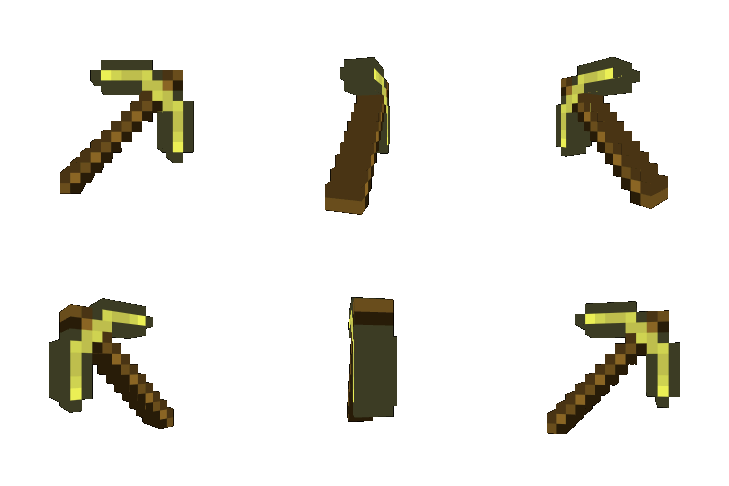
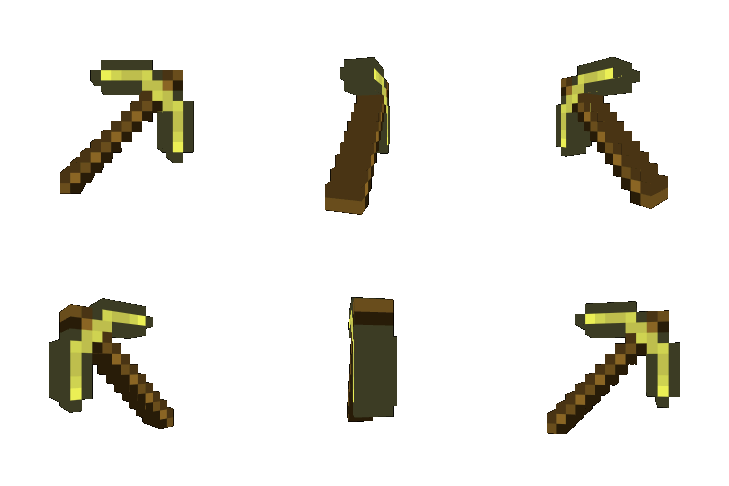
.gif 0 minecraftgoldenpickaxe Emoji
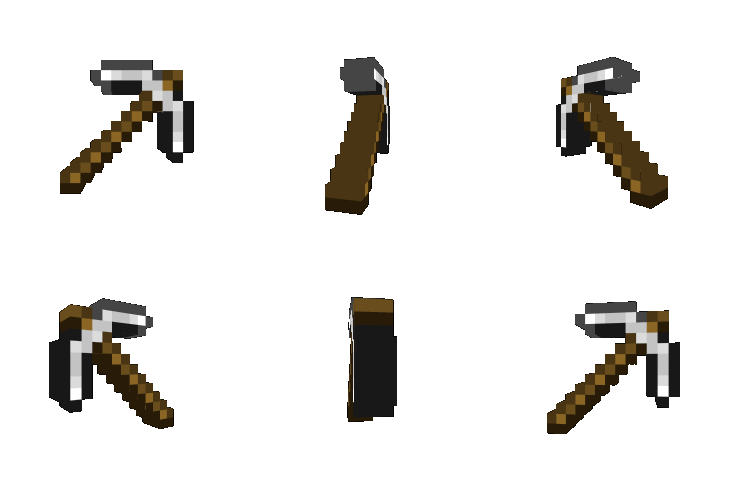
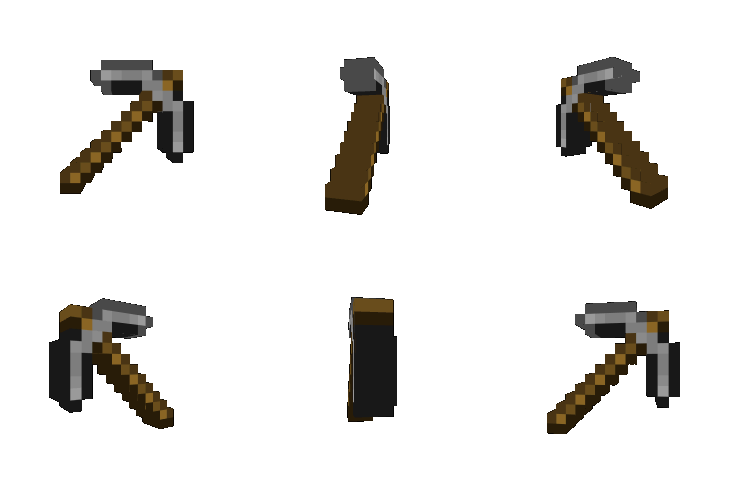
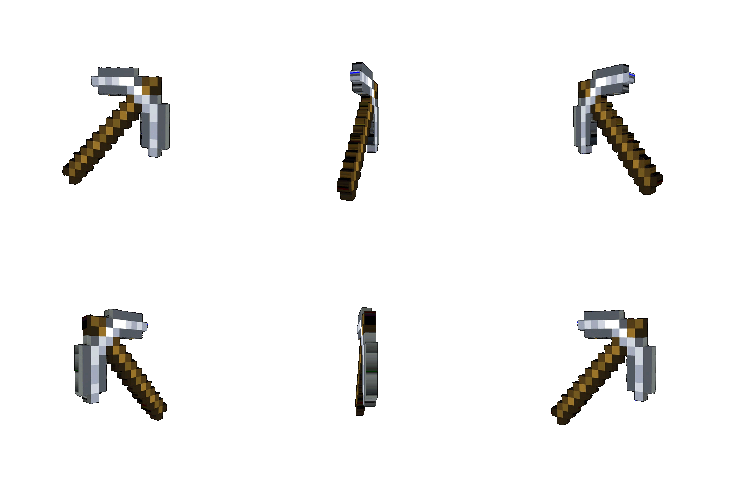
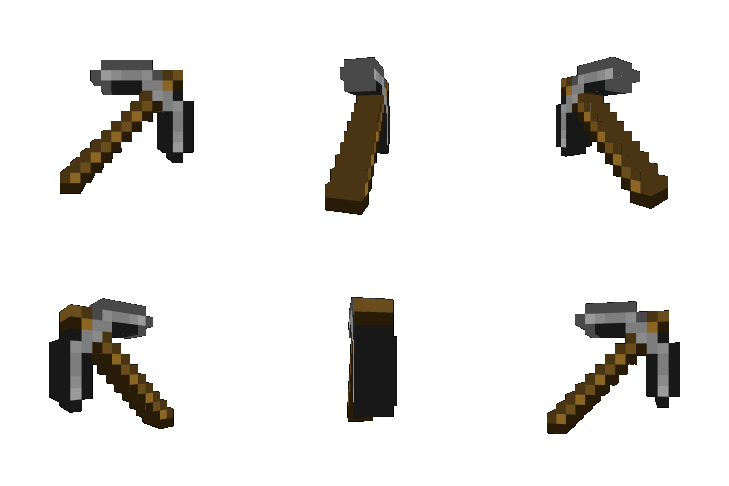
.gif 0 minecraftironpickaxe Emoji
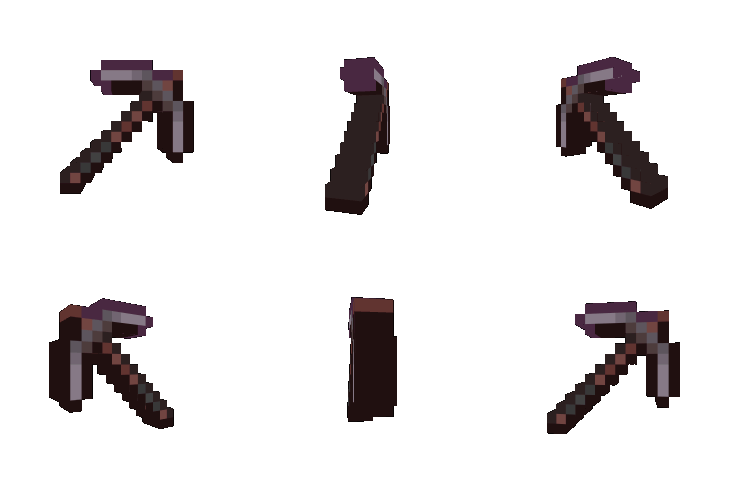
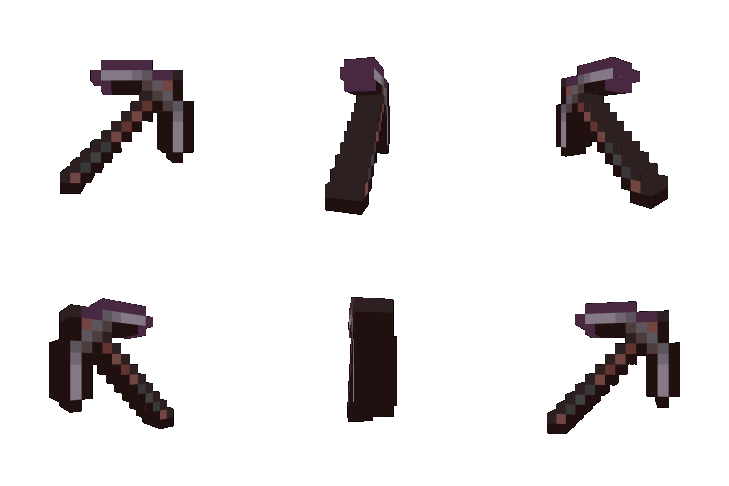
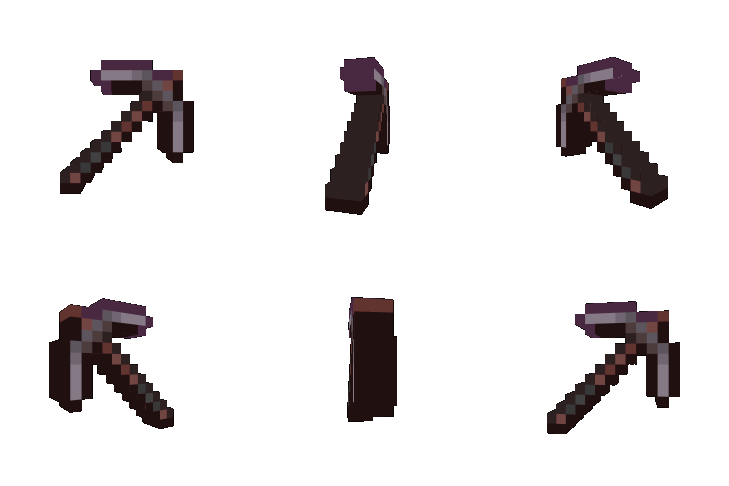
.gif 61 minecraftnetheritepickaxe Emoji
.gif 4 minecraftstonepickaxe Emoji
.gif 0 minecraftnetheritepickaxev2 Emoji
.gif 0 minecraftpickaxe Emoji
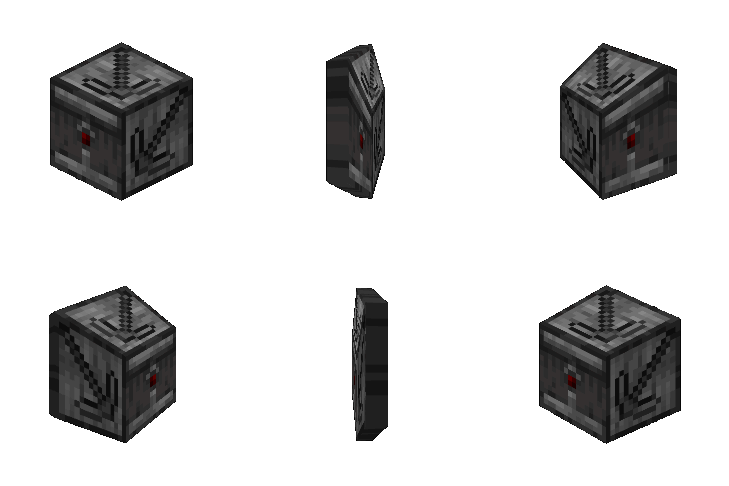
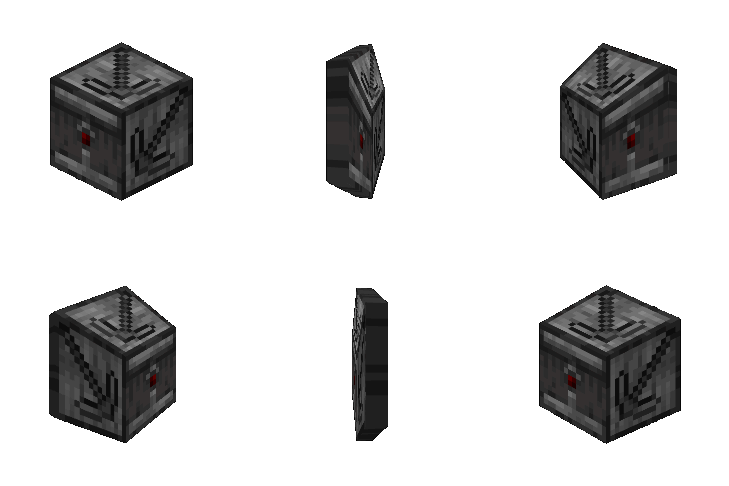
.gif 0 minecraftpickaxeblock Emoji
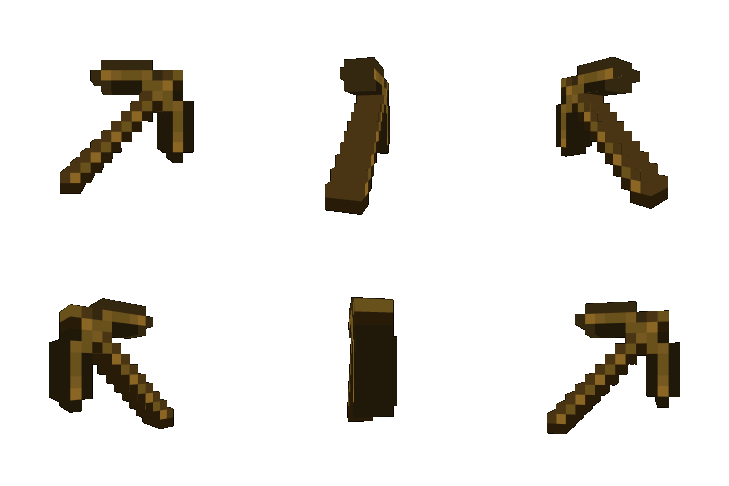
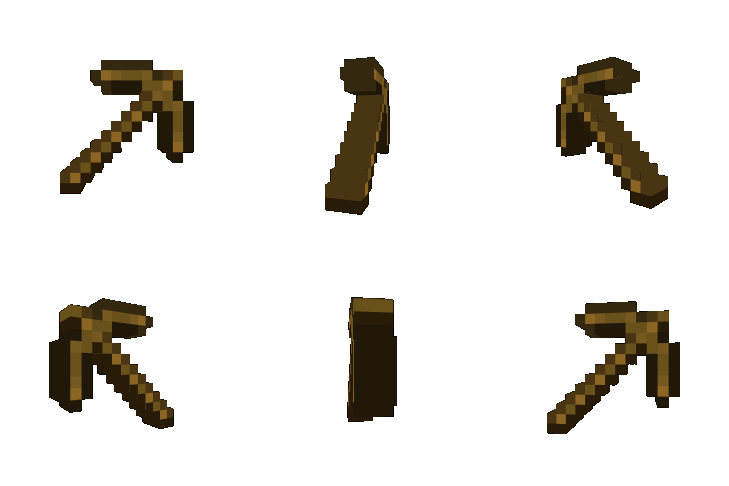
.gif 0 minecraftwoodenpickaxe Emoji
.gif 11 minecraftdiamondpickaxe Emoji
.gif 15 minecraftnetheritepickaxe Emoji
.gif 0 minecraftpickaxe Emoji
.gif 5 minecraftgoldenpickaxe Emoji
.gif 0 minecraftpickaxeblock Emoji
.gif 0 minecraftstonepickaxe Emoji
.gif 0 minecraftwoodenpickaxe Emoji
.gif 178 kittyaxelaugh Emoji
.gif 10.4K Pengu_Axe_Run Emoji
.gif 1.4K spiffo_axe Emoji
.gif 38.3K Minecraft_enchanted_axe Emoji
.gif 41.3K minecraftpicaxenether Emoji

Axe Discord emojis

Browse Axe emojis shared by the emoji.gg community. Open a favourite to preview it, check its details and download the image.

Building a set for your server? Save your favourites to a collection as you browse so you can find them again.

Explore Axe stickers

Add emojis to your Discord server

  1. Choose your favourites. Open a emoji and download its image.
  2. Open Server Settings. In Discord, select your server and go to the Emoji section.
  3. Upload and name it. Select the downloaded image, give it a name and save it for your community to use.

Get the Android app

Emoji.gg is better on the app. Download it from the Google Play store.

Get Emoji.gg on Google Play