Your Collection
Your collection items will appear here.

Attired Emojis

Find Attired custom emojis to use
on Discord, Twitch & Slack

.png 203 snowman Emoji
.png 4.1K ghostfacehamster Emoji
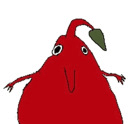
.png 1.3K pikminhamster Emoji
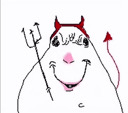
.png 7.7K devilhamster Emoji
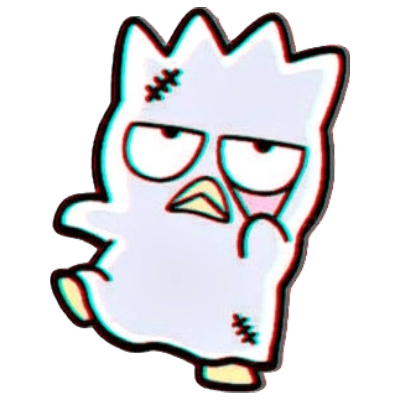
.png 4.3K badtz_maru_halloween Emoji
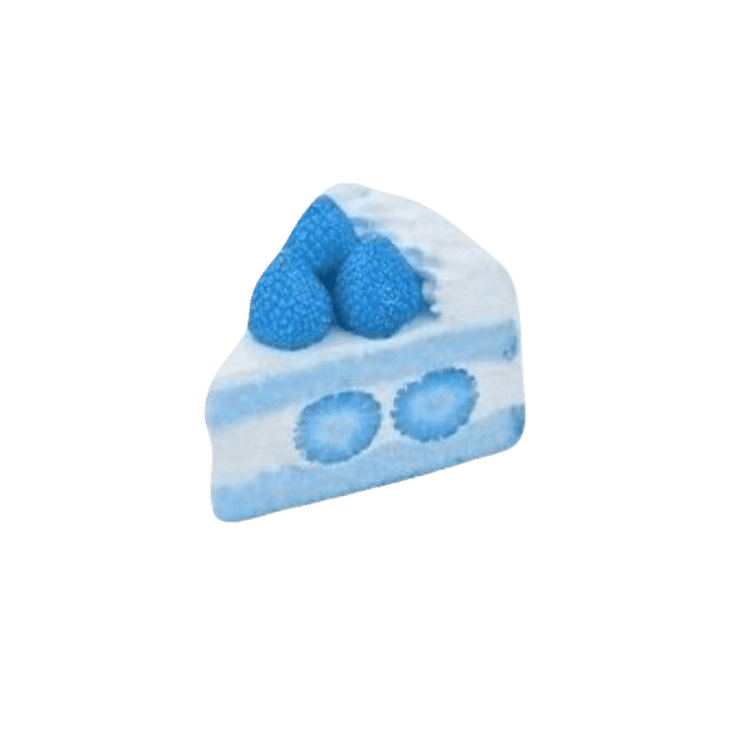
.png 5.2K blue_cake Emoji
.gif 15.0K Tenna_cane_dance Emoji
.png 14.6K Meru_Police Emoji
.png 13.1K Meru_Clown Emoji
.png 4.4K Peter_Bunny Emoji
.png 1.3K smithersnurse Emoji
.png 1.8K dodohama Emoji
.png 561 Resitbot_Rosie_Resisted Emoji
.png 3.1K Shy_Blush Emoji
.png 13.2K Pepe_clown Emoji
.png 4.7K KingShrimp Emoji
.png 5.9K PrincessShrimp Emoji
.png 324 karen_zyn Emoji
.png 20.5K Pepe_Jason Emoji
.png 14.4K Pepe_Michael Emoji
.png 14.9K Pepe_Chucky Emoji
.png 15.2K Pepe_Freddy Emoji
.png 7.8K chaocowboy Emoji
.png 169 Cinnamoroll Emoji
.png 31.6K cinnamoroll Emoji

Attired Discord emojis

Browse Attired emojis shared by the emoji.gg community. Open a favourite to preview it, check its details and download the image.

Building a set for your server? Save your favourites to a collection as you browse so you can find them again.

Explore Attired stickers

Add emojis to your Discord server

  1. Choose your favourites. Open a emoji and download its image.
  2. Open Server Settings. In Discord, select your server and go to the Emoji section.
  3. Upload and name it. Select the downloaded image, give it a name and save it for your community to use.

Get the Android app

Emoji.gg is better on the app. Download it from the Google Play store.

Get Emoji.gg on Google Play