Your Collection
Your collection items will appear here.

Ant Emojis

Find Ant custom emojis to use
on Discord, Twitch & Slack

.png 0 MintGreenFlower Emoji
.png 0 LavenderExclamationMark Emoji
.png 41 fev_Important Emoji
.png 23 Question Emoji
.gif 0 alphaminionffxiv Emoji
.gif 74 yshtolaorbffxiv Emoji
.gif 73 majorgeneralffxivminion Emoji
.gif 0 gigantenderminionffxiv Emoji
.gif 158 KawaiiSanta Emoji
.png 0 Antemoji Emoji
.png 69 Laptop_Gaming Emoji
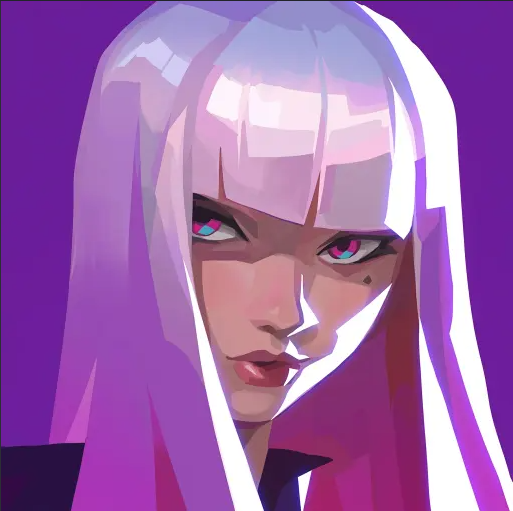
.png 164 AgentHush Emoji
.gif 42 ji_yong Emoji
.gif 0 mu_deok_happy Emoji
.gif 0 kang_bit_na_smile Emoji
.gif 13 do_do_hee Emoji
.gif 44 mu_deok_pretty Emoji
.gif 0 naksu Emoji
.gif 12 do_hana_hair Emoji
.gif 0 so_mun Emoji
.gif 9 do_hana Emoji
.gif 15 gu_cheon Emoji
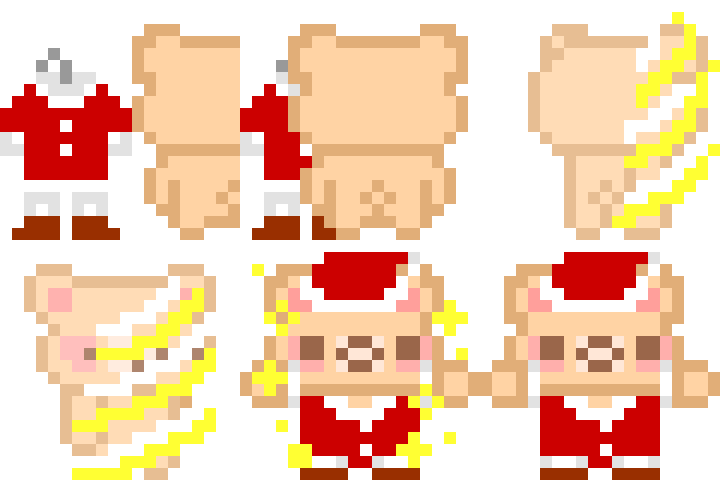
.gif 815 SantaSuitBear Emoji
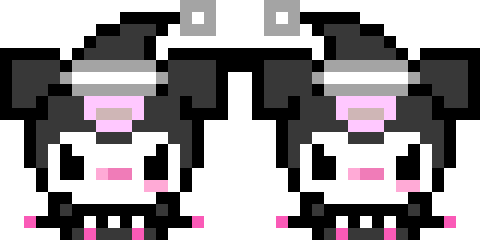
.gif 569 Kuromi Emoji

Ant Discord emojis

Browse Ant emojis shared by the emoji.gg community. Open a favourite to preview it, check its details and download the image.

Building a set for your server? Save your favourites to a collection as you browse so you can find them again.

Explore Ant stickers

Add emojis to your Discord server

  1. Choose your favourites. Open a emoji and download its image.
  2. Open Server Settings. In Discord, select your server and go to the Emoji section.
  3. Upload and name it. Select the downloaded image, give it a name and save it for your community to use.

Get the Android app

Emoji.gg is better on the app. Download it from the Google Play store.

Get Emoji.gg on Google Play