Your collections

Keep your favourite assets together

Annoyances Emojis

Find Annoyances custom emojis to use
on Discord, Twitch & Slack

.png 1.5K memetchiannoyed Emoji
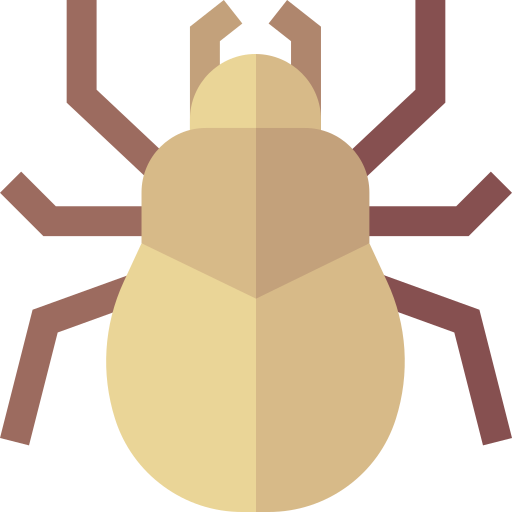
.png 29 mite Emoji
.gif 52 bugsbunnylaugh Emoji
.gif 87 mushroomandbutterflies Emoji
.gif 153 greenyellowbutterfly Emoji
.gif 149 sparklepinkbabsbunny Emoji
.gif 45 tinyantfarm Emoji
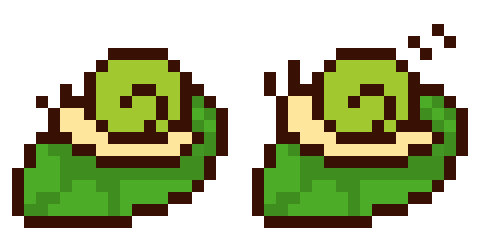
.gif 3.6K GreenSnail Emoji
.gif 3.5K BugSmooch Emoji
.png 2.4K BugHunter Emoji
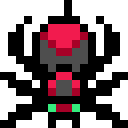
.png 5.6K spider Emoji
.png 3.3K snail Emoji
.png 3.5K caterpillar Emoji
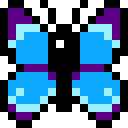
.png 5.1K butterfly Emoji
.png 6.3K bee Emoji
.png 11.9K bugsbunnyYES Emoji
.gif 6.5K bugsbunnyYESgif Emoji
.png 3.0K blue_isopod_plushie Emoji
.png 2 CR Emoji
.png 4.0K bugs_blurple Emoji
.png 2.1K discord_bugs_white Emoji
.png 2.6K purple_bug_hunter Emoji
.gif 19.4K SpiderWeb Emoji
.gif 5.6K KawaiiSpider Emoji

Annoyances Discord emojis

Browse Annoyances emojis shared by the emoji.gg community. Open a favourite to preview it, check its details and download the image.

Building a set for your server? Save your favourites to a collection as you browse so you can find them again.

Explore Annoyances stickers

Add emojis to your Discord server

  1. Choose your favourites. Open a emoji and download its image.
  2. Open Server Settings. In Discord, select your server and go to the Emoji section.
  3. Upload and name it. Select the downloaded image, give it a name and save it for your community to use.

Get the Android app

Emoji.gg is better on the app. Download it from the Google Play store.

Get Emoji.gg on Google Play