Your Collection
Your collection items will appear here.

And Emojis

Find And custom emojis to use
on Discord, Twitch & Slack

.png 0 PurpleSparkles Emoji
.png 0 WhiteCreditCard Emoji
.png 0 ThinCoralRedX Emoji
.png 14 PinkShoppingCart Emoji
.png 0 WhitePhotoFrame Emoji
.png 0 WhiteBarGraph Emoji
.png 0 HalfShadedLavenderShield Emoji
.png 0 CheckeredLavenderShield Emoji
.png 0 LavenderOpenFolder Emoji
.png 0 LavenderChainLink Emoji
.png 5 LavenderShoppingCart Emoji
.png 33 CyanDiamond Emoji
.gif 388 Witch_Cat_Dancing Emoji
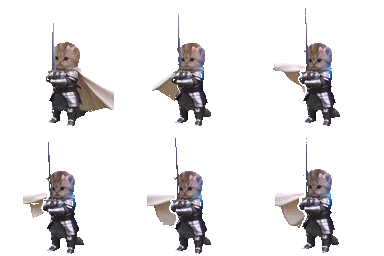
.gif 115 Knight_Cat Emoji
.gif 62 Masha_With_Gun Emoji
.png 56 Curiouslight Emoji
.gif 208 CyanDiamond Emoji
.gif 136 SillyPanda Emoji
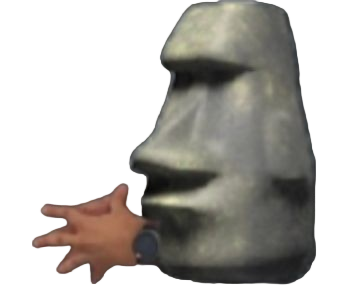
.png 1.6K moairubbinghands Emoji
.png 80 Hand_1 Emoji
.png 84 Hand_2 Emoji
.gif 0 sand_clock Emoji
.png 0 Logo Emoji
.png 18 Welcome Emoji
.gif 342 blackcatbounce Emoji

And Discord emojis

Browse And emojis shared by the emoji.gg community. Open a favourite to preview it, check its details and download the image.

Building a set for your server? Save your favourites to a collection as you browse so you can find them again.

Explore And stickers

Add emojis to your Discord server

  1. Choose your favourites. Open a emoji and download its image.
  2. Open Server Settings. In Discord, select your server and go to the Emoji section.
  3. Upload and name it. Select the downloaded image, give it a name and save it for your community to use.

Get the Android app

Emoji.gg is better on the app. Download it from the Google Play store.

Get Emoji.gg on Google Play