Your Collection
Your collection items will appear here.

Again Emojis

Find Again custom emojis to use
on Discord, Twitch & Slack

.png 2.3K again_pink Emoji
.png 2.3K against_tos Emoji
.png 1.7K again_sign_bean Emoji
.png 0 Repeater Emoji
.png 524 repeat Emoji
.png 107 Looping Emoji
.png 6.6K Repeat_after_me_Im_a_clown Emoji
.png 208 repeat Emoji
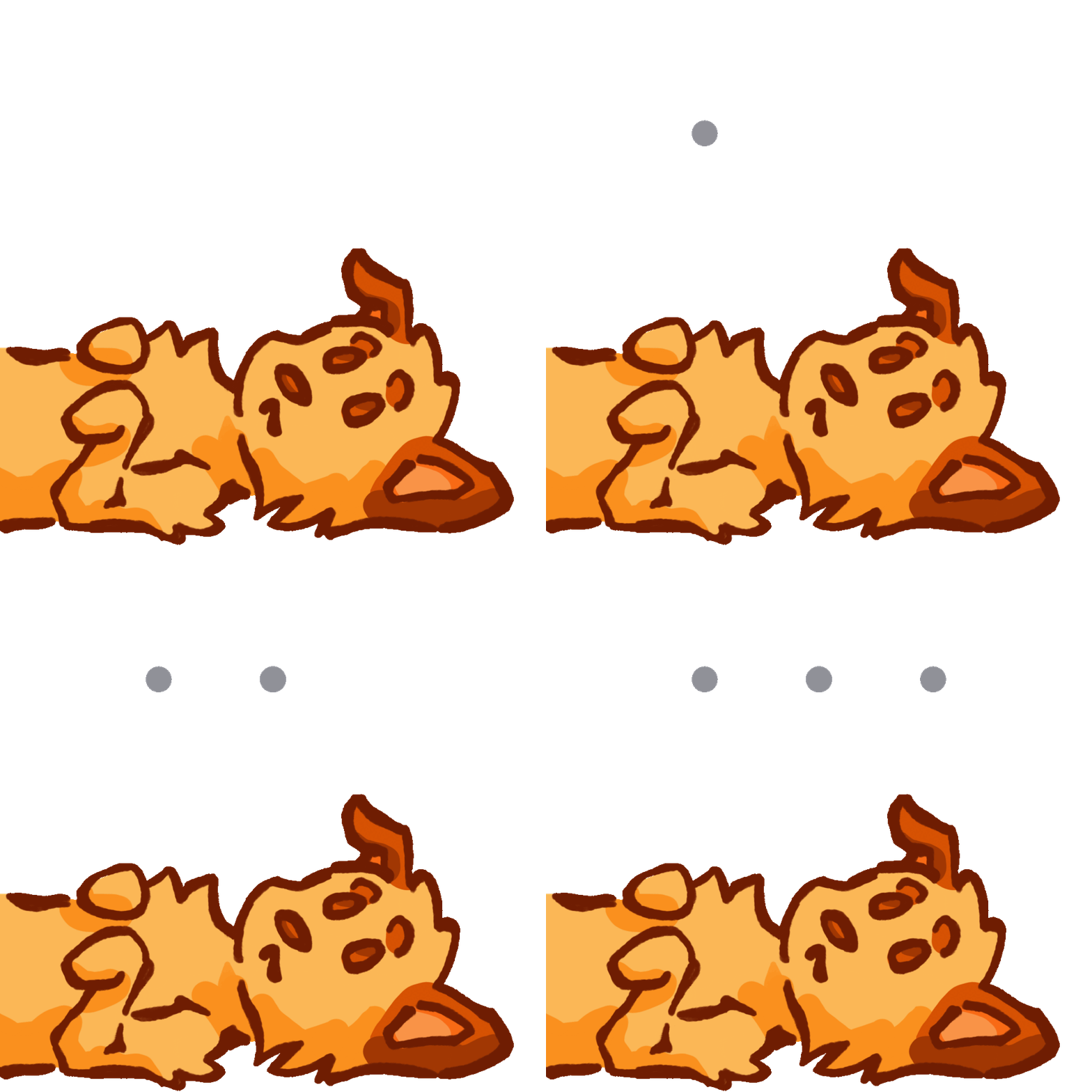
.gif 11.2K bored_puppy Emoji
.png 15.1K EatSleepFortniteRepeat Emoji
.png 29.3K Blue_Blob_Stare Emoji
.png 3.5K blue_shuffle Emoji
.png 3.8K blue_repeat Emoji
.png 33.3K barkbarkbark Emoji
.png 4.7K Spotify_Repeat Emoji
.png 3.6K RepeatBall Emoji
.gif 7.5K HelloKittyShrimpTrain Emoji
.png 43 FoulOnThePlay Emoji
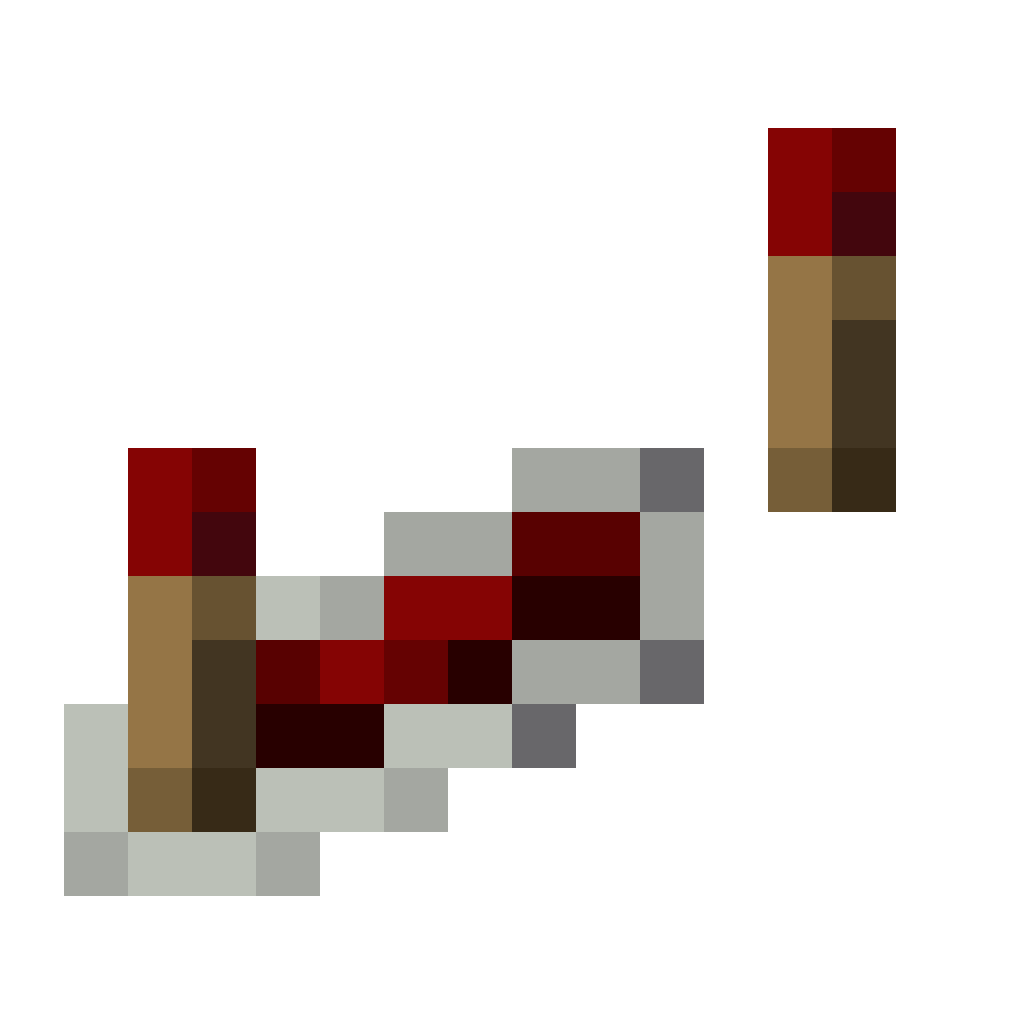
.png 5.2K MinecraftRepeatingCommandBlock Emoji
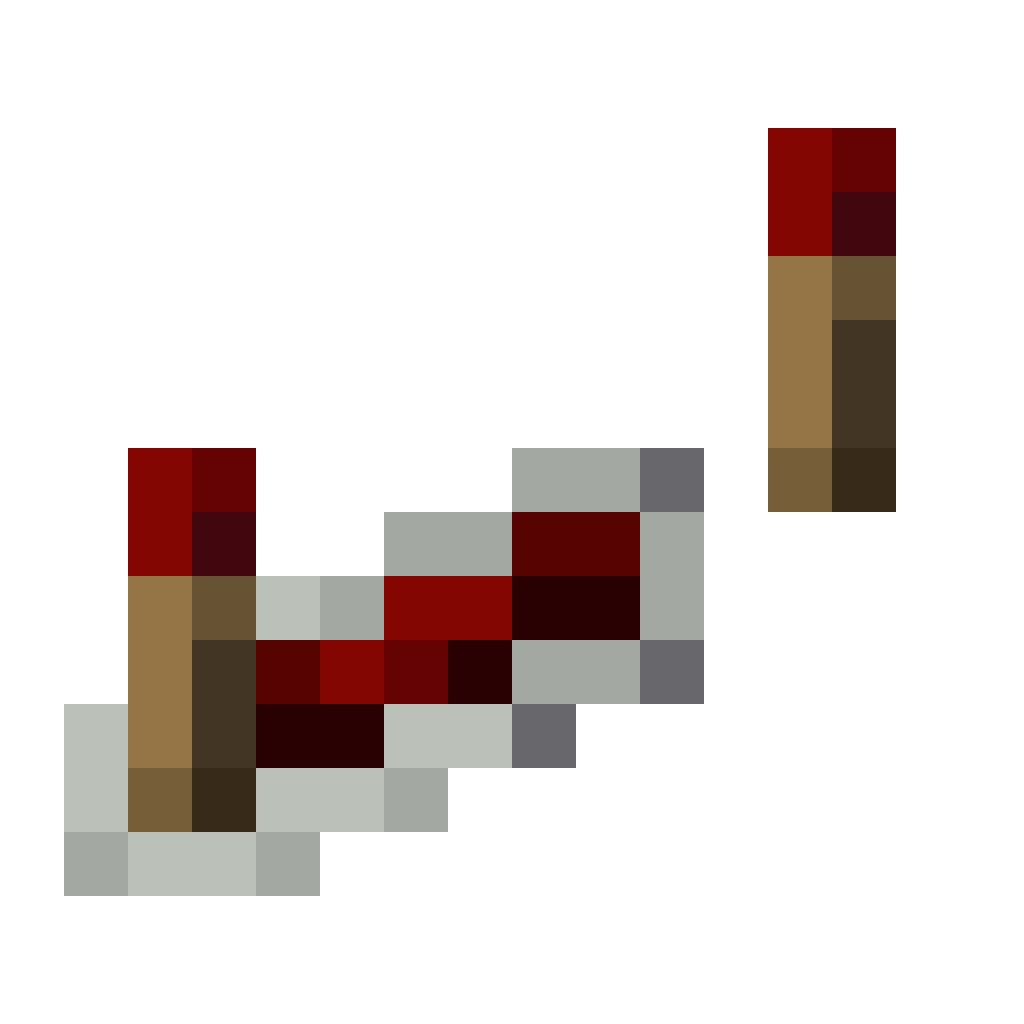
.png 1.4K MinecraftRepeatingCommandBlockC Emoji
.gif 2.5K BenimaruSickoMode Emoji
.png 30.4K pink_5 Emoji
.png 46.8K baguette1 Emoji
.png 47.0K baguette2 Emoji

Again Discord emojis

Browse Again emojis shared by the emoji.gg community. Open a favourite to preview it, check its details and download the image.

Building a set for your server? Save your favourites to a collection as you browse so you can find them again.

Explore Again stickers

Add emojis to your Discord server

  1. Choose your favourites. Open a emoji and download its image.
  2. Open Server Settings. In Discord, select your server and go to the Emoji section.
  3. Upload and name it. Select the downloaded image, give it a name and save it for your community to use.

Get the Android app

Emoji.gg is better on the app. Download it from the Google Play store.

Get Emoji.gg on Google Play