Your Collection
Your collection items will appear here.

Admit Emojis

Find Admit custom emojis to use
on Discord, Twitch & Slack
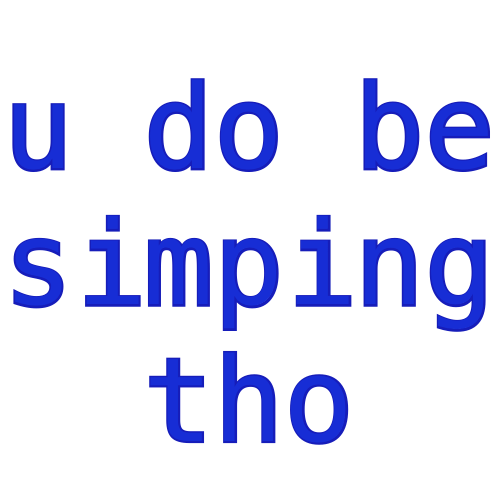
.png 3.2K Simp Emoji
.gif 37.9K cute_pusheen Emoji
.gif 3.6K eyebrows Emoji
.png 272 accepted Emoji
.gif 566 Accepted Emoji
.png 16.2K PartneredServerOwner Emoji
.png 4.0K varundhawan Emoji
.png 262 dartgoblin Emoji
.png 0 logo_tms Emoji
.png 10.7K Hexedhorde Emoji
.png 293 19 Emoji
.gif 1.4K Tessia Emoji
.png 24 MRC Emoji
.png 3.9K pink_phone Emoji
.png 6.6K Sword Emoji
.gif 35.5K DuckDance Emoji
.png 1.5K This_Is_Fine_Shwompy Emoji
.png 3.8K pepechallengeaccepted Emoji
.png 0 SHR_TEAM Emoji
.png 110 arcanum Emoji
.png 2.2K hashir Emoji
.png 16.4K napoleon_sad Emoji
.png 9.3K Discord_emojis1 Emoji
.gif 12 m Emoji
.png 0 TTT_R Emoji

Admit Discord emojis

Browse Admit emojis shared by the emoji.gg community. Open a favourite to preview it, check its details and download the image.

Building a set for your server? Save your favourites to a collection as you browse so you can find them again.

Explore Admit stickers

Add emojis to your Discord server

  1. Choose your favourites. Open a emoji and download its image.
  2. Open Server Settings. In Discord, select your server and go to the Emoji section.
  3. Upload and name it. Select the downloaded image, give it a name and save it for your community to use.

Get the Android app

Emoji.gg is better on the app. Download it from the Google Play store.

Get Emoji.gg on Google Play