Your Collection
Your collection items will appear here.
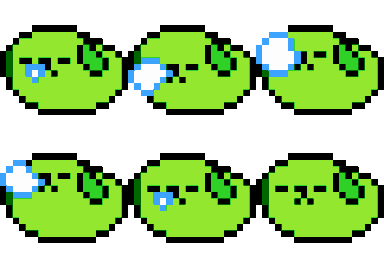
.gif 430 OnekoSleep Emoji
.png 0 morettich3 Emoji
.gif 51 HappyDog Emoji
.gif 0 CuteOwl Emoji
.gif 90 BlueMoon Emoji
.gif 0 MameshibaSleeping Emoji
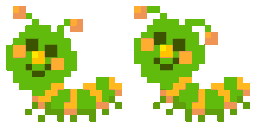
.gif 29 Caterpillar Emoji
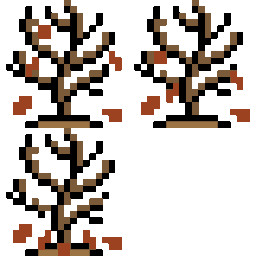
.gif 7 AutumnTree Emoji
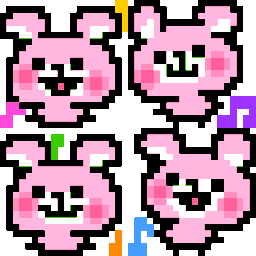
.gif 89 PinkBunnyDance Emoji
.gif 5 BunnyWave Emoji
.gif 258 KawaiiSanta Emoji
.gif 29 KawaiiReindeer Emoji
.gif 145 KawaiiChristmasTree Emoji
.png 237 smilethumbs Emoji
.gif 424 flower Emoji
.gif 186 ribbon Emoji
.gif 82 bunbun Emoji
.gif 2.4K heart Emoji
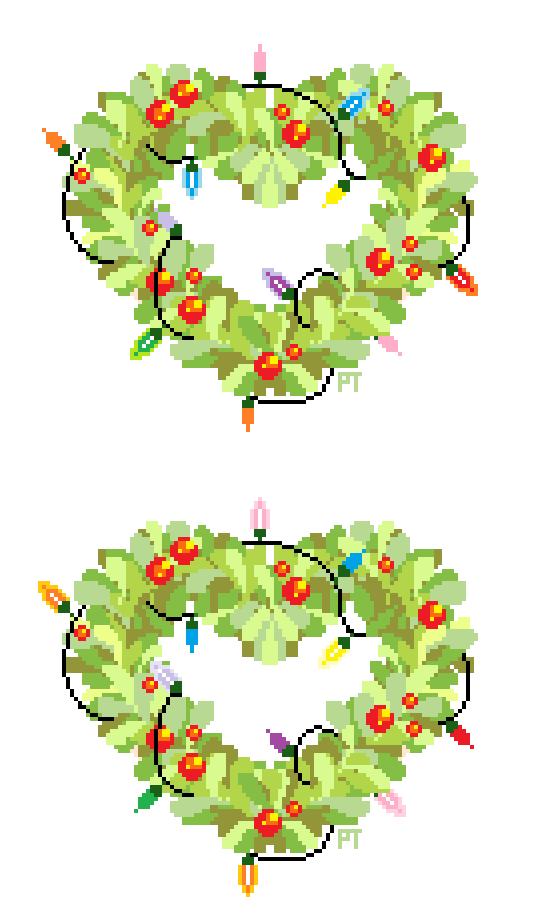
.gif 1.3K lights Emoji
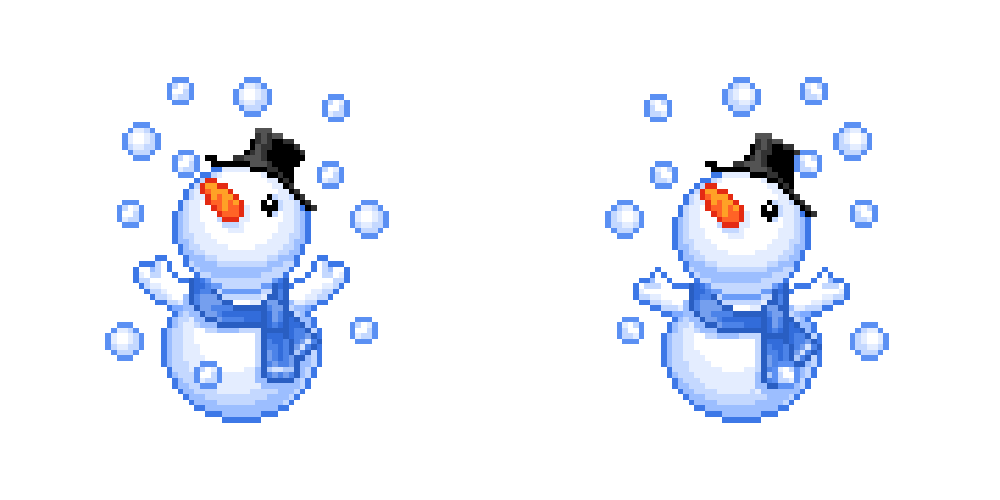
.gif 52 morettisnowman Emoji
.gif 551 KissKuromi Emoji
.gif 53 CheshireCat Emoji
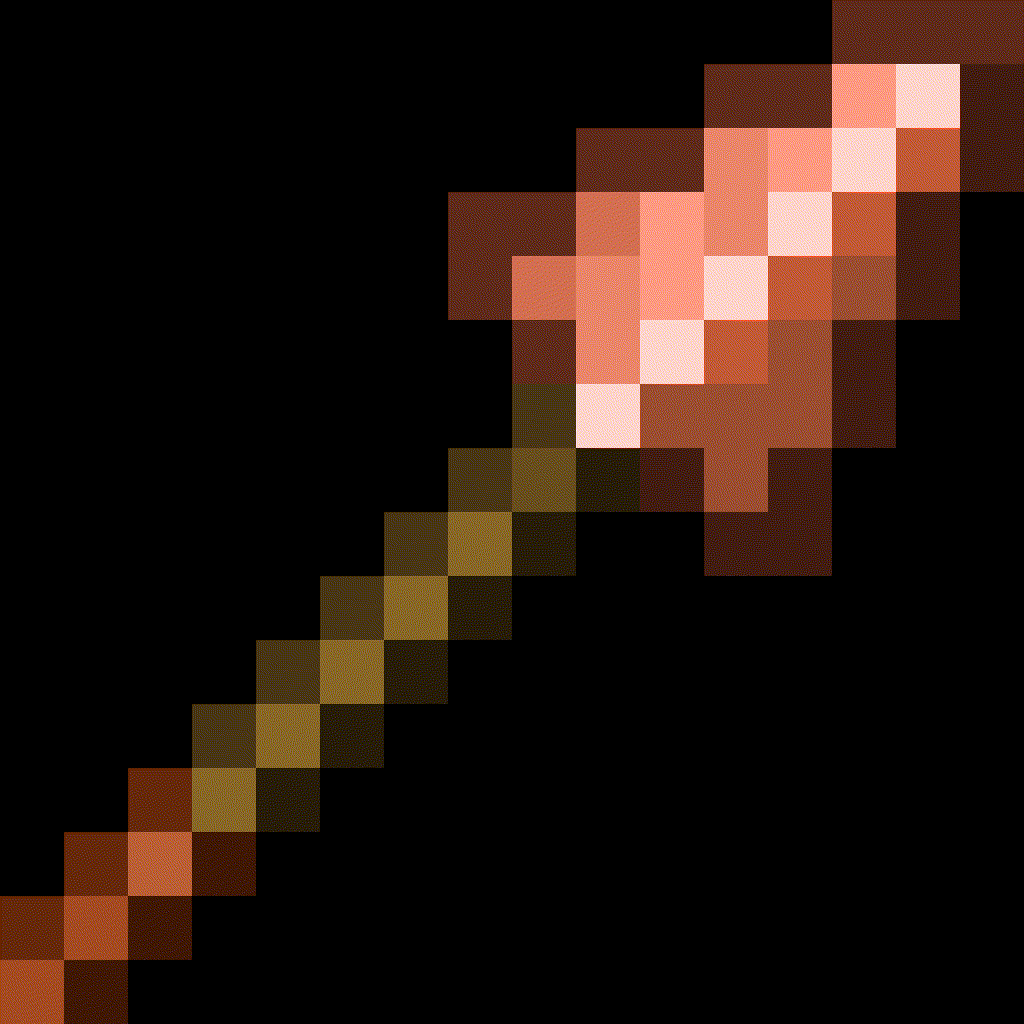
.png 32 CopperSpear Emoji

Pixel Art Discord emojis

Browse Pixel Art emojis shared by the emoji.gg community. Open a favourite to preview it, check its details and download the image.

Building a set for your server? Save your favourites to a collection as you browse so you can find them again.

Add emojis to your Discord server

  1. Choose your favourites. Open a emoji and download its image.
  2. Open Server Settings. In Discord, select your server and go to the Emoji section.
  3. Upload and name it. Select the downloaded image, give it a name and save it for your community to use.

Get the Android app

Emoji.gg is better on the app. Download it from the Google Play store.

Get Emoji.gg on Google Play