Your Collection
Your collection items will appear here.
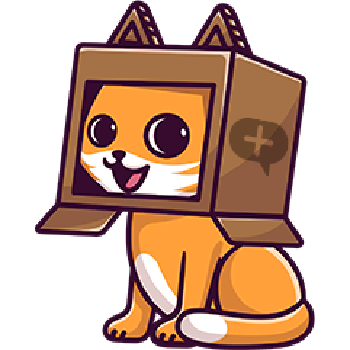
.png 4.4K VRCat Emoji
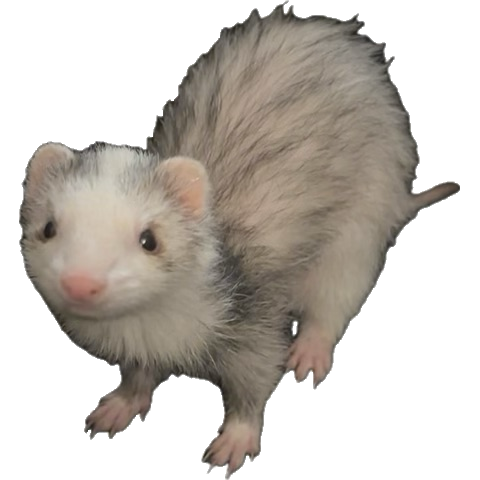
.png 4.2K ferret Emoji
.gif 3.3K PenguHand Emoji
.png 5.3K PenguHuh Emoji
.gif 3.1K Pengu_Angry Emoji
.png 7.9K PenguBook Emoji
.gif 6.0K PenguChicken Emoji
.png 2.5K RoosterFight Emoji
.png 2.3K RoosterGlasses Emoji
.png 10.3K SharkFight Emoji
.png 1.4K RoosterCry Emoji
.png 13.5K SharkHello Emoji
.png 1.6K RoosterHello Emoji
.png 7.9K SharkConfetti Emoji
.png 17.1K SharkLove Emoji
.png 9.6K SharkDie Emoji
.png 6.8K SharkLOL Emoji
.png 16.1K SharkThugLife Emoji
.png 6.5K SharkCry Emoji
.png 4.8K ChickenLove Emoji
.png 4.1K ChickenConfused Emoji
.png 4.9K ChickenThumbsup Emoji
.png 6.9K ChickenKnife Emoji
.png 24.9K CatUWU Emoji
.png 30.4K CatPat Emoji

Animals Discord emojis

Browse Animals emojis shared by the emoji.gg community. Open a favourite to preview it, check its details and download the image.

Building a set for your server? Save your favourites to a collection as you browse so you can find them again.

Add emojis to your Discord server

  1. Choose your favourites. Open a emoji and download its image.
  2. Open Server Settings. In Discord, select your server and go to the Emoji section.
  3. Upload and name it. Select the downloaded image, give it a name and save it for your community to use.

Get the Android app

Emoji.gg is better on the app. Download it from the Google Play store.

Get Emoji.gg on Google Play